
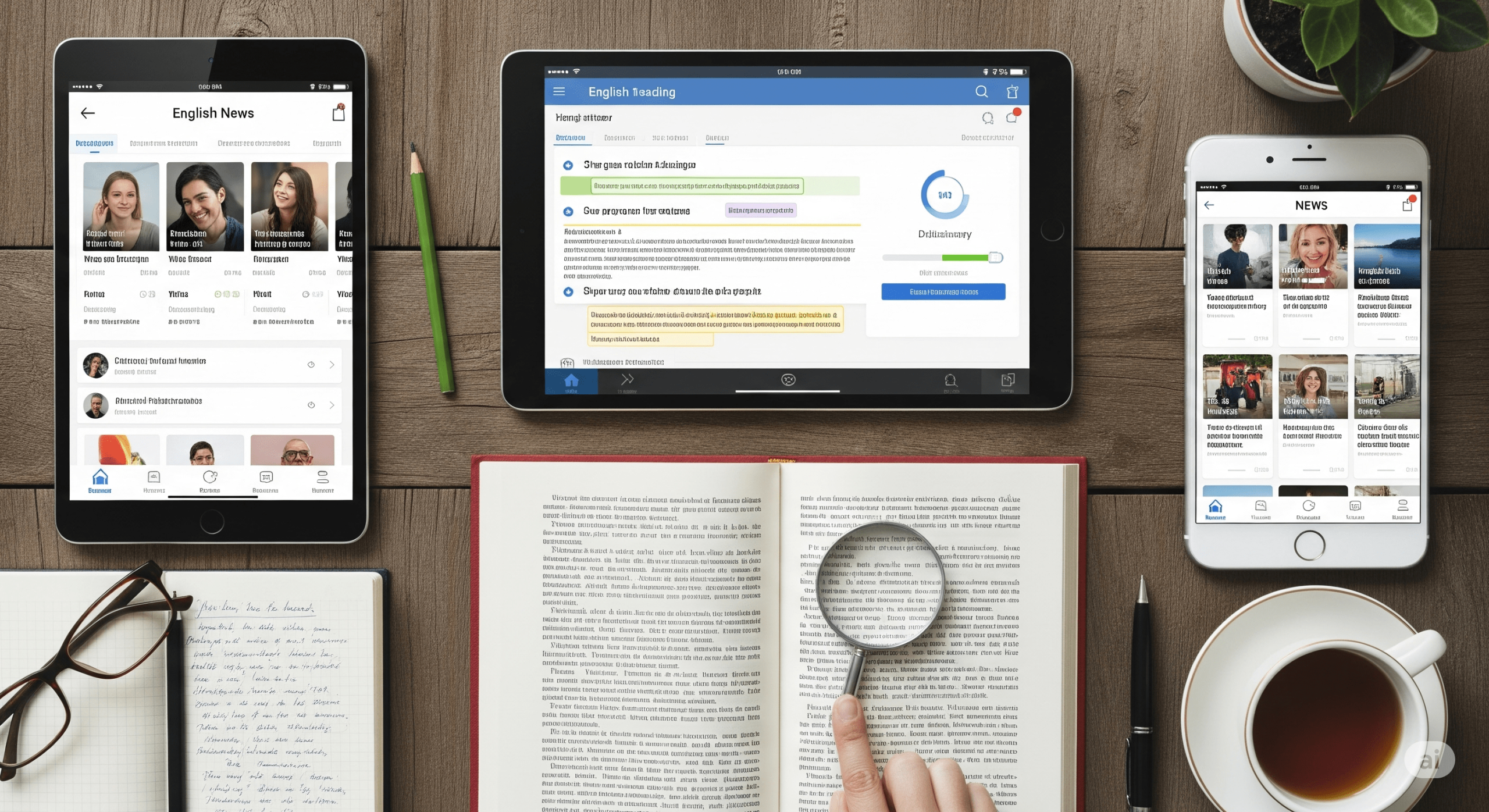
Why You Should Use Apps and Tools for Reading
Using digital tools to practice English reading offers several advantages:
-
Wide range of materials – articles, short stories, e-books, and blogs
-
Interactive exercises – quizzes, comprehension questions, and vocabulary tests
-
Consistent practice – read anywhere, anytime on your phone or tablet
-
Progress tracking – monitor reading speed, vocabulary, and comprehension
-
Motivation – gamified apps make reading fun and engaging
Best Apps for Beginners
1. Duolingo Stories
Duolingo Stories provides short interactive stories for beginners.
-
Benefits:
-
Fun, gamified reading practice
-
Comprehension questions and vocabulary exercises
-
Audio narration to improve listening
-
-
How to use:
-
Read one or two stories daily
-
Listen to the audio while reading
-
Answer comprehension questions after each story
-
2. Beelinguapp
Beelinguapp uses parallel texts (English + your native language).
-
Benefits:
-
Improves comprehension while introducing new vocabulary
-
Audiobooks read aloud for pronunciation practice
-
Supports learners at all levels
-
-
How to use:
-
Read short stories or articles side-by-side
-
Listen to the audio while reading
-
Repeat difficult sentences to reinforce understanding
-
3. LingQ
LingQ allows you to import any text or article and convert it into a study session.
-
Benefits:
-
Highlight and save unknown words
-
Audio support for pronunciation
-
Focuses on context-based vocabulary acquisition
-
-
How to use:
-
Import a short article or story
-
Highlight unknown words
-
Review and practice saved words daily
-
Best Apps for Intermediate Learners
4. Readlang Web Reader
Readlang helps you read online articles with instant translation.
-
Benefits:
-
Click any word for instant translation
-
Builds a personal vocabulary list
-
Encourages extensive reading online
-
-
How to use:
-
Read daily articles in English
-
Highlight new words and add them to flashcards
-
Review vocabulary weekly
-
5. BBC Learning English
BBC Learning English offers articles, news, and videos for learners.
-
Benefits:
-
Real-world English content
-
Vocabulary and comprehension exercises
-
Listening practice included
-
-
How to use:
-
Read one article or watch one video per day
-
Write a short summary
-
Note 5 new words or expressions
-
6. News in Levels
News in Levels simplifies news articles into three difficulty levels.
-
Benefits:
-
Easy progression from simple to complex texts
-
Audio available for listening practice
-
Focuses on comprehension and vocabulary
-
-
How to use:
-
Start at your level
-
Gradually move to higher levels
-
Summarize each article in 2–3 sentences
-
Best Tools for Advanced Learners
7. Project Gutenberg
Project Gutenberg offers free classic English e-books.
-
Benefits:
-
Thousands of books for advanced reading
-
Improves vocabulary, comprehension, and cultural knowledge
-
Supports literature analysis
-
-
How to use:
-
Choose a novel or collection of short stories
-
Read one chapter daily
-
Take notes on new words and phrases
-
8. Kindle with Vocabulary Builder
Kindle e-books include built-in dictionary and vocabulary tracking.
-
Benefits:
-
Tap words for instant definitions
-
Save words for review
-
Adjustable font size and reading modes
-
-
How to use:
-
Read books suitable for your level
-
Highlight unknown words
-
Review and practice weekly
-
9. LingQ Advanced Mode
LingQ’s advanced mode supports authentic English content like blogs and essays.
-
Benefits:
-
Read real-world English texts
-
Track vocabulary and reading progress
-
Combine reading with audio for better retention
-
-
How to use:
-
Import an article or blog post
-
Highlight unfamiliar words
-
Review words and repeat difficult sentences
-
Websites for All Levels
-
English Club – Reading Section: Short stories and articles with comprehension exercises
-
Breaking News English: Simplified news with exercises and audio
-
Storynory: Audio stories with text for listening and reading practice
Tips to Get the Most from Apps and Tools
-
Combine multiple resources – e.g., Readlang + Duolingo Stories
-
Track vocabulary and review regularly
-
Set a realistic daily reading goal (10–20 minutes)
-
Mix genres and difficulty levels
-
Summarize and discuss what you read
Mini Exercise:
-
Choose one app today
-
Read one short article or story
-
Note 5 new words
-
Write a 3-sentence summary
Sample Weekly Routine Using Apps
| Day | App | Activity | Goal |
|---|---|---|---|
| Mon | Duolingo Stories | Read 1 story | Vocabulary + comprehension |
| Tue | Readlang | Read an article | Context reading + vocabulary |
| Wed | BBC Learning English | Watch video | Comprehension + summary |
| Thu | Beelinguapp | Parallel text | Vocabulary + pronunciation |
| Fri | News in Levels | Read news | Fluency + comprehension |
| Sat | Kindle | Read 1 chapter | Advanced vocabulary |
| Sun | Storynory | Listen + read story | Listening + reading integration |